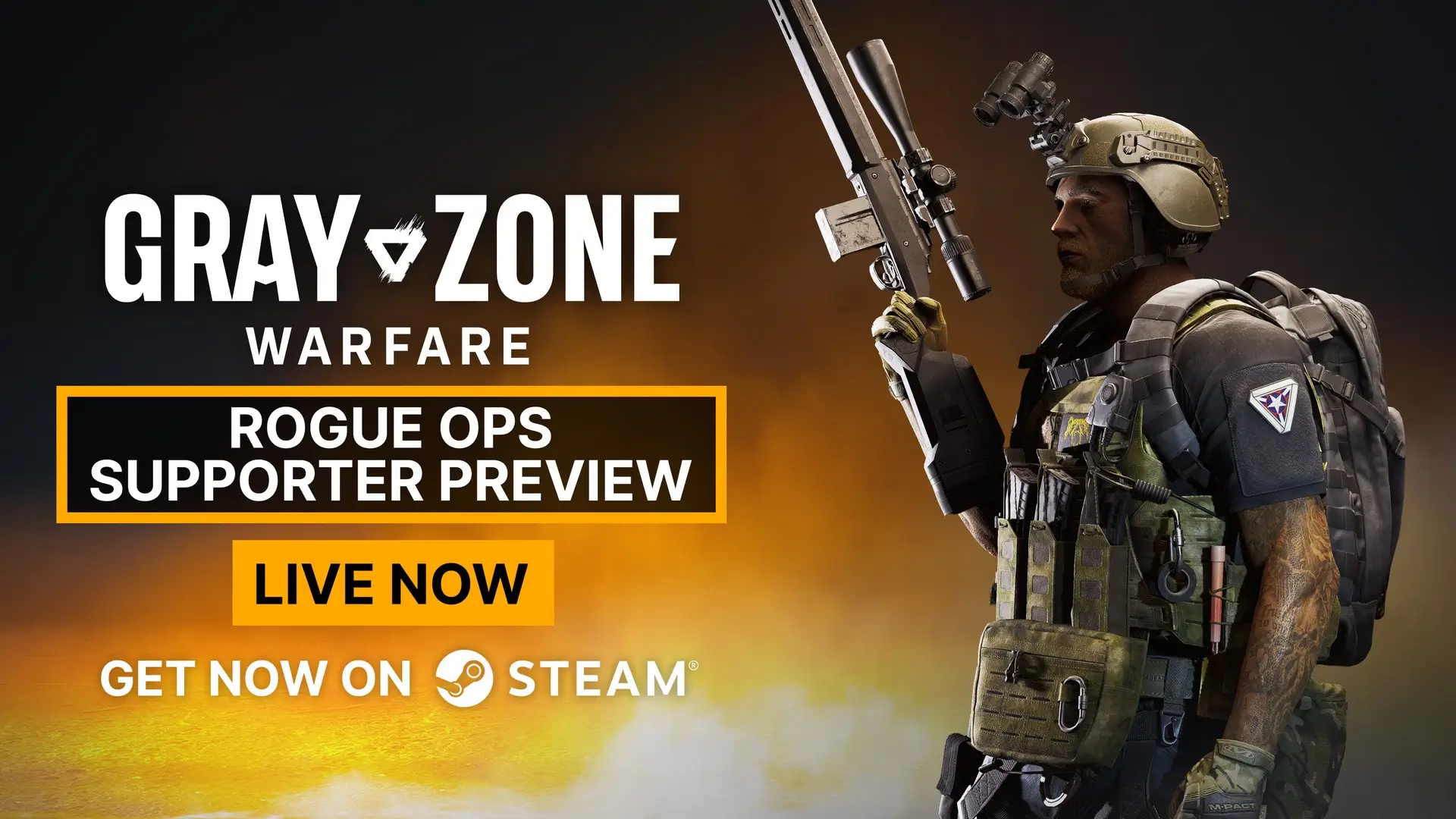
The Supporter Preview for Update 0.5 Rogue Ops in Gray Zone Warfare is live: Supporter Edition owners can get into their Hideout three days ahead of everyone else.
Your progress carries over, but once you switch, there is no going back to the old version.
How to join the preview
The preview runs on its own Steam branch:
- Open Steam and right-click Gray Zone Warfare in your library.
- Pick "Properties" and go to "Game Versions & Betas".
- Select the "supporter-preview" branch.
- Download version 0.5 and launch the game.
If the update does not show up, MADFINGER suggests restarting Steam or switching to offline mode and back.
Before you switch
- No way back: after switching, you cannot return to version 0.4.7.6.
- Progress stays: everything you earn in the preview carries over to the October 22 release.
- Mode choice is final: on first launch you decide whether your existing character continues in PvE or PvEvP.
- Soft wipe: rank, apparel, vendor levels, tasks and stats stay, while locker and money are cleared.
No Supporter Edition yet?
You can upgrade on the Steam page. If you already own the Standard, Tactical or Elite Edition, you only pay the difference. Besides early access to major updates, it comes with the largest locker (10x60), a 3x3 lockbox, exclusive apparel, a badge and a coloured name.
Everyone else only has to hang on until October 22, when Rogue Ops releases for all players.
FAQ
Who can join the Gray Zone Warfare Supporter Preview?
Only Supporter Edition owners.
Does my preview progress carry over?
Yes, it transfers to the full release on October 22.
Can I go back to 0.4 after the preview?
No, switching to the preview branch cannot be undone.